
Schneider Charge Pro
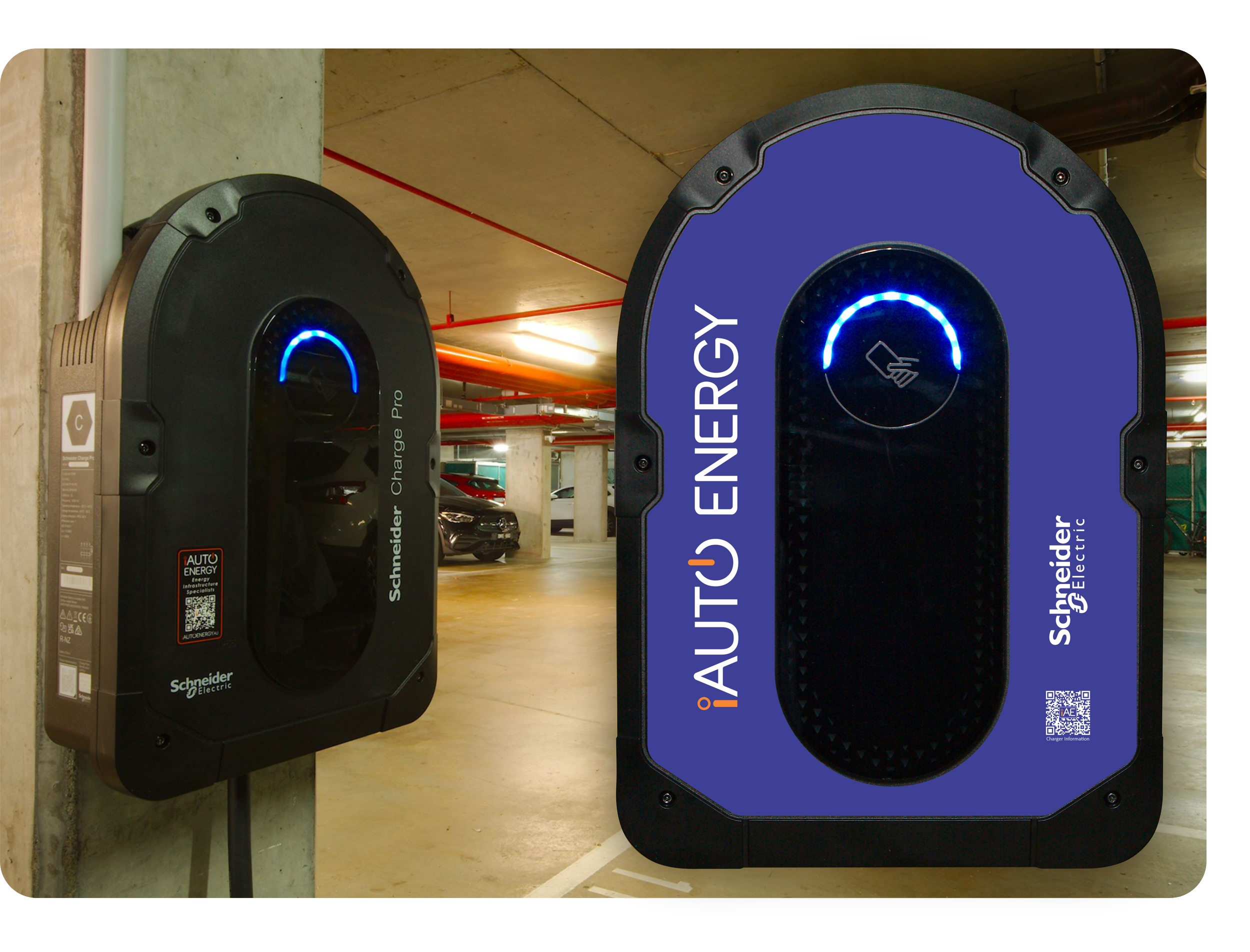
Welcome to the iAUTO ENERGY Schneider Charge Pro information page.

Please select how you will be using the Schneider Charge Pro and follow the appropriate instructions. iAUTO ENERGY installs these Chargers in both private and publicly available locations, with differing methods of use based the owner’s/site’s specific requirements.




Private Use - No App
Free Charge
The Charger will be available to whoever has access to it.
Plug in your vehicle to begin charging
Use your vehicle to disengage charging (consult your vehicle’s manual) and unplug.
RFID Fob or Card
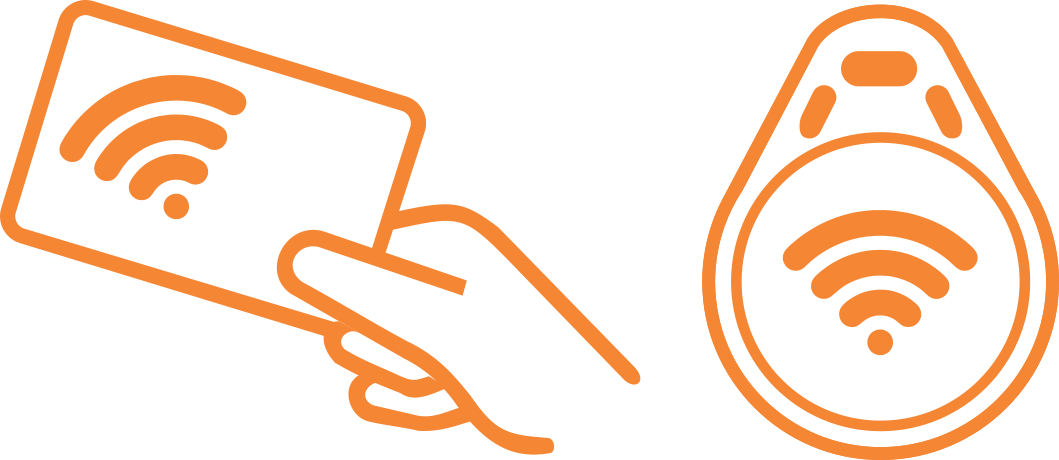
The Charger will only be available via a RFID token that has either been registered to the charger by the installer, or registered via the iAUTO EV Charging App.
Plug you vehicle in
Tap your RFID token against the RFID reader of the charger
After authentication, charging will begin.
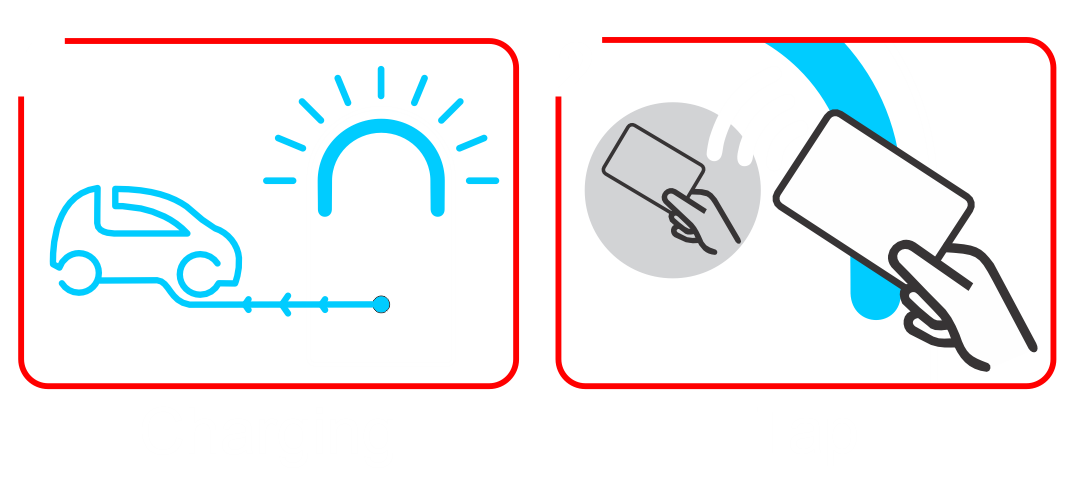
To disengage, tap the RFID token on the reader, or use your vehicle to stop charging
Remove and safey store charging cable



Private Use - iAUTO EV Charging App
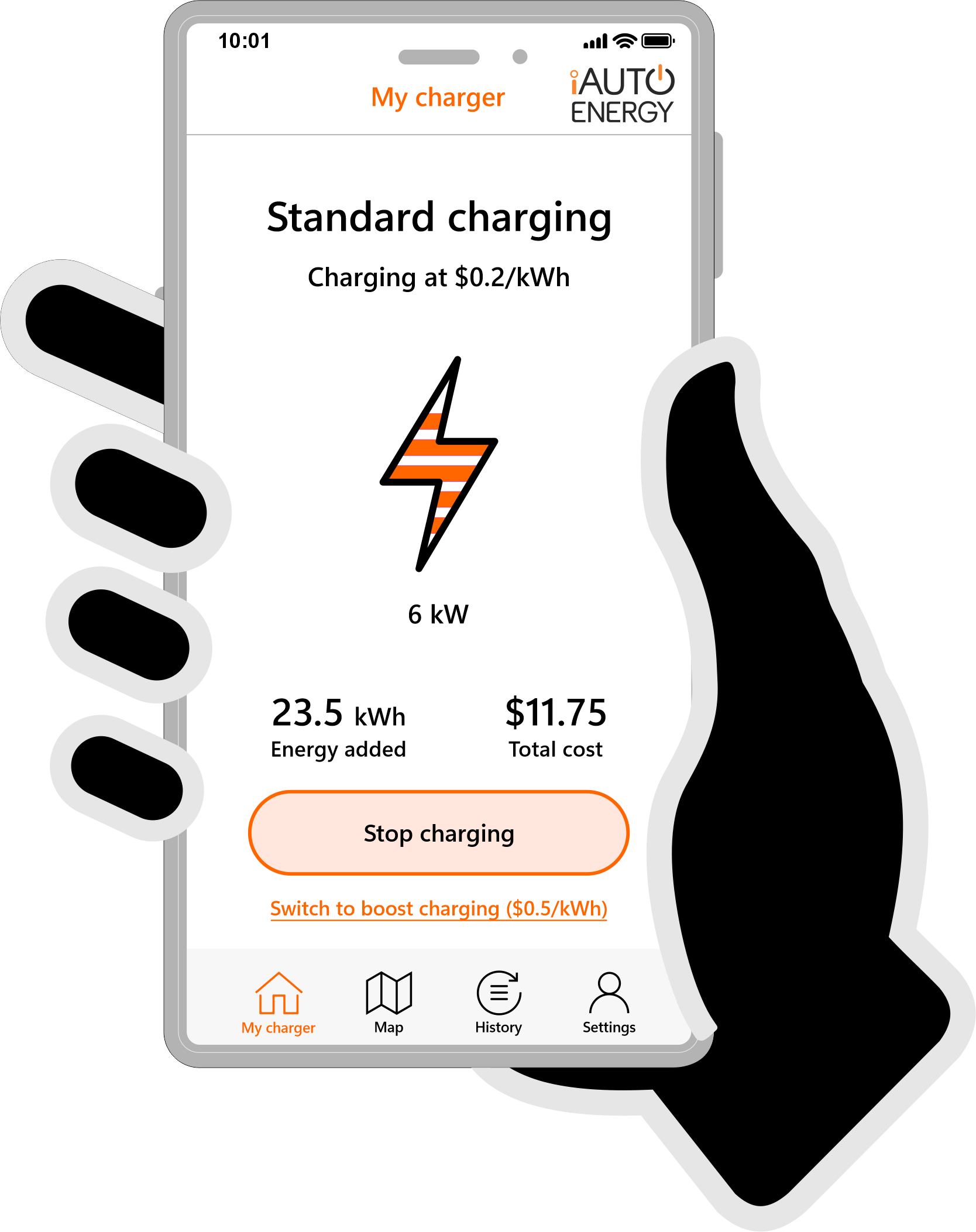
For EV Chargers located in common areas of commercial proproperties such as apartament buildings, usesr will br required to register with and use the iAUTO EV Charging App. This enables the cost recovery of any energy used when charging an EV and associated costs involved.
Use the links below to set up and use your EV Charger.
Public Use - "Scan to Charge"
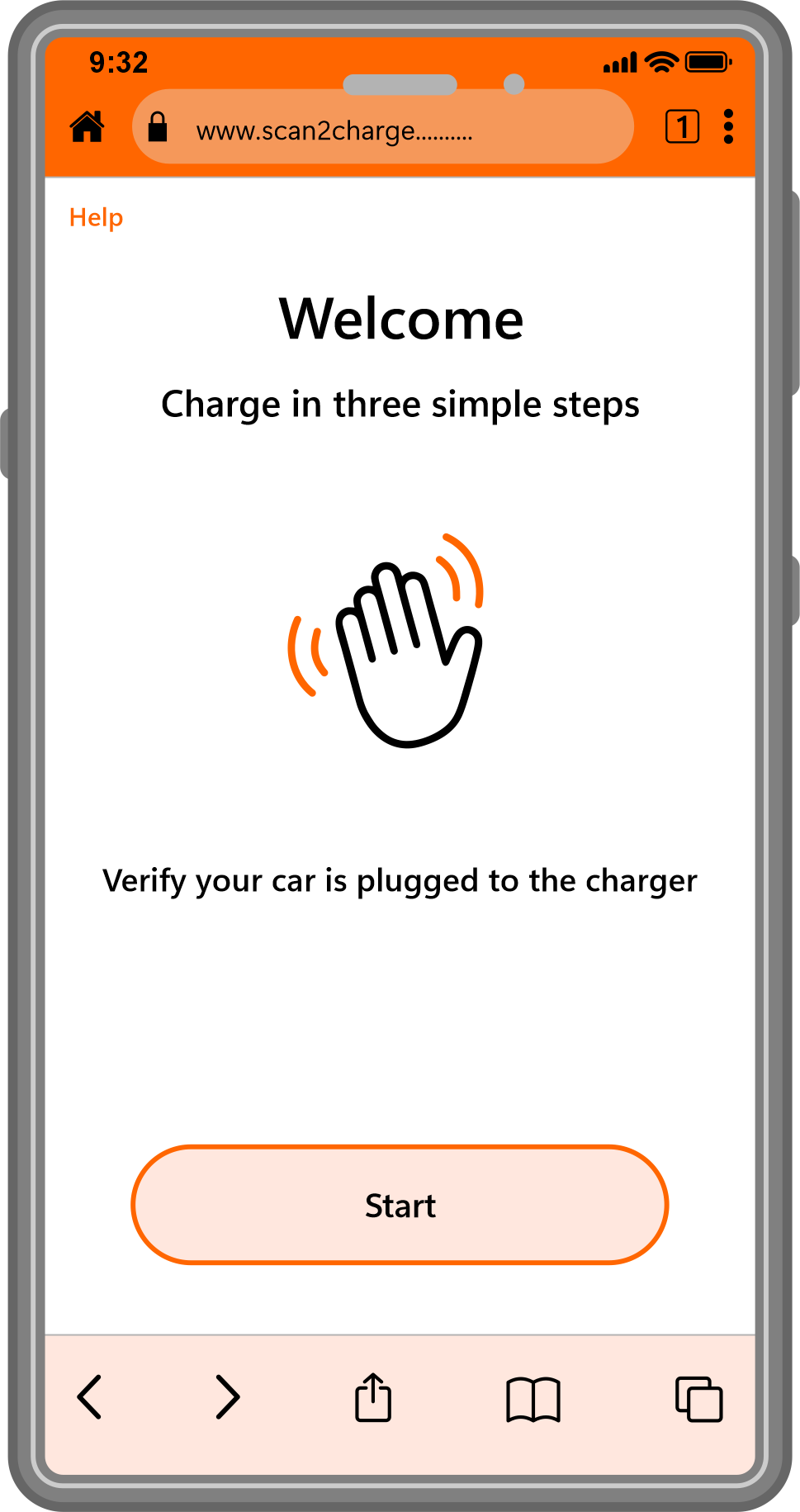
With no App required, public use Scan to Charge couldn’t be easier. Scan the QR code on the charger, register your phone number, add payment details and you are ready to charge.
Click the link below for detailed instructions.
Public Use - iAUTO EV Charging App
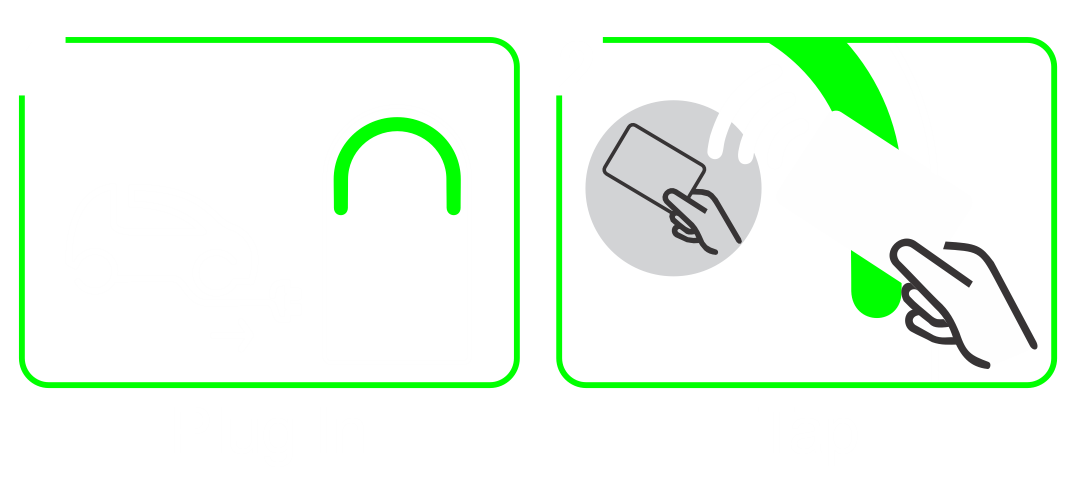
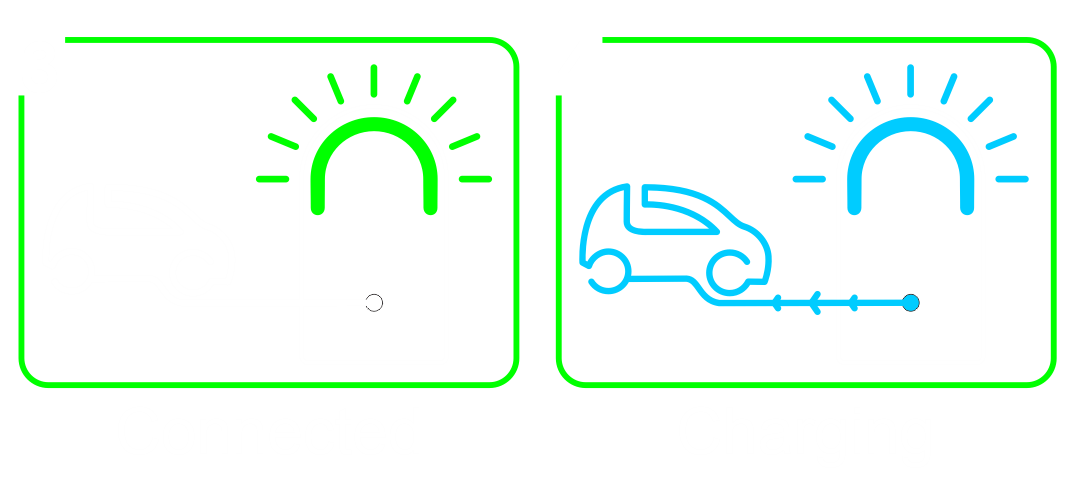
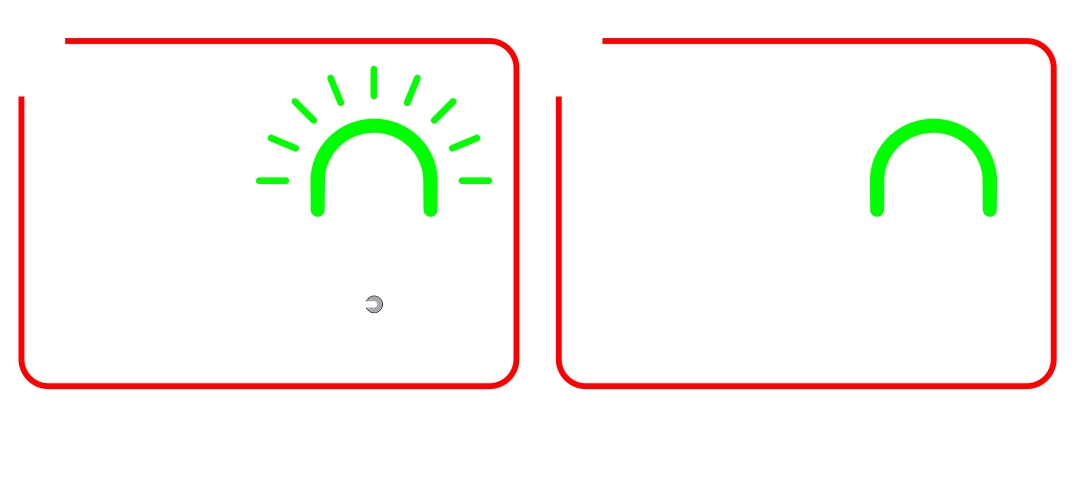
Indicator Lights
For more conveniance, some sites will allow the use of the iAUTO EV Charging App, enabling you to register payment details and register a RFID fob or card to initiate charging sessions.




FAQ
-
If the app or browser is unresponsive, frozen, or won't load:
Do not force-unplug the connector while power may still be flowing.
End the charging session from your vehicle instead — most EVs let you stop charging via the dashboard screen, a button near the charge port, or the vehicle's own app.
Once the vehicle confirms charging has stopped, the connector's lock will release and it can be safely removed.
If the vehicle also can't stop the session, contact support using the number/QR code on the charger unit.
-
This is dependant on the location of the charger and its intended use.
Privately Owned: No, the charger may be set to “Free Charge” or have an RFID token asigned to it.
Privately Owned - Common Parking Area: Yes, if your Charger is connected to a common power supply and your OC has implemented a billing system to recover the costs of energy and/or infrastructure in place.
Publicly Available: Follow the instructions on the charger to initiate charging. The iAUTO ENERGY “Scan to Charge” system does not require an App and utilises a web browser for payment detials and connection.
However, if a charger is regularly used, the iAUTO EV Charging App can create greater convenience and also allow the registration of RDIF tokens to make charging even easier.
-
Yes. EV charging connectors and sockets are designed and rated for outdoor use in wet weather. Just make sure the connector is fully seated in the vehicle inlet before starting a session.
-
The charger will not begin — or will stop — a session if it doesn't detect a secure connection. This is a safety feature, not a fault. Reseat the connector fully and check the status indicator again before retrying.
-
No. Never attempt to hold, wedge, or tape a connector in place to force a session to start. A loose connection is a safety risk. Fully reseat the plug instead.
-
Charging speed can be limited by the vehicle's battery state of charge (charging slows above ~80%), battery temperature, or the maximum rate your vehicle's battery accepts, regardless of the charger's maximum output.
-
Check the physical status light on the unit first. If it shows a normal "charging" or "ready" state, the issue is likely just app connectivity. You can safely leave the vehicle charging and retry the app later, or end the session from the vehicle if needed.
-
Unplug only after confirming (via the vehicle, if needed) that no active session is running, then note the fault code and contact support.