
iAUTO ENERGY EV Charging App - Use and Billing
Private
EV Charger
Billing Set Up
Public EV Charger
Scan to Charge
App Use Instructions / Features
RFID Fob / Tag
Set Up
Setting Up Billing - Private EV Charger
Download App and Create Account


1. To activate your account and set up billing, first download the WEVO app from your App store.
2. Check your email for an invite from iAUTO ENERGY inviting you to join the private EV Charging network. It will contain a link to start the set up process. If you have not received a link, please email energy@iautoenergy.au.
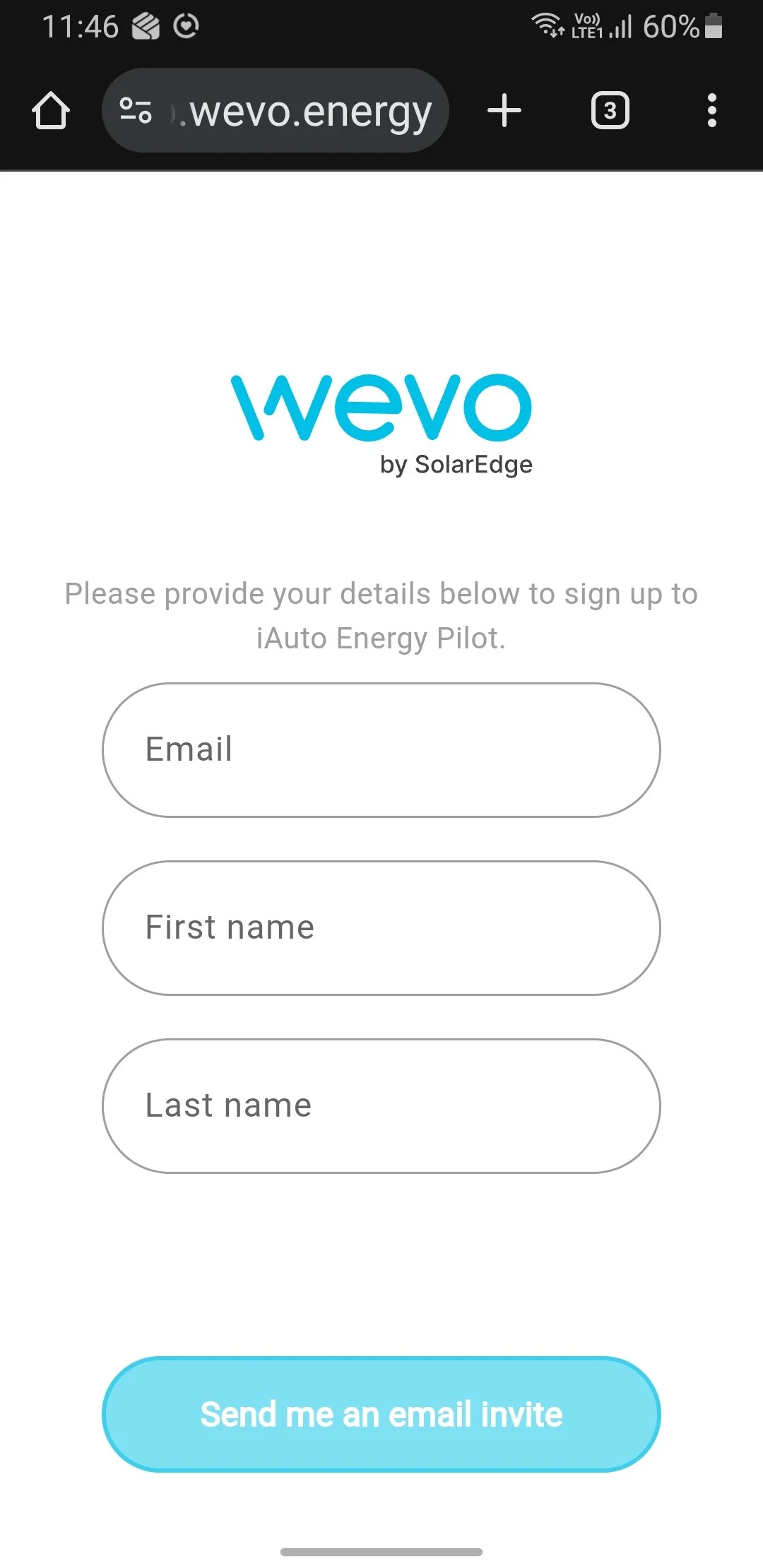
3. Enter you email, first and last names and tap “Send me an email invite”.
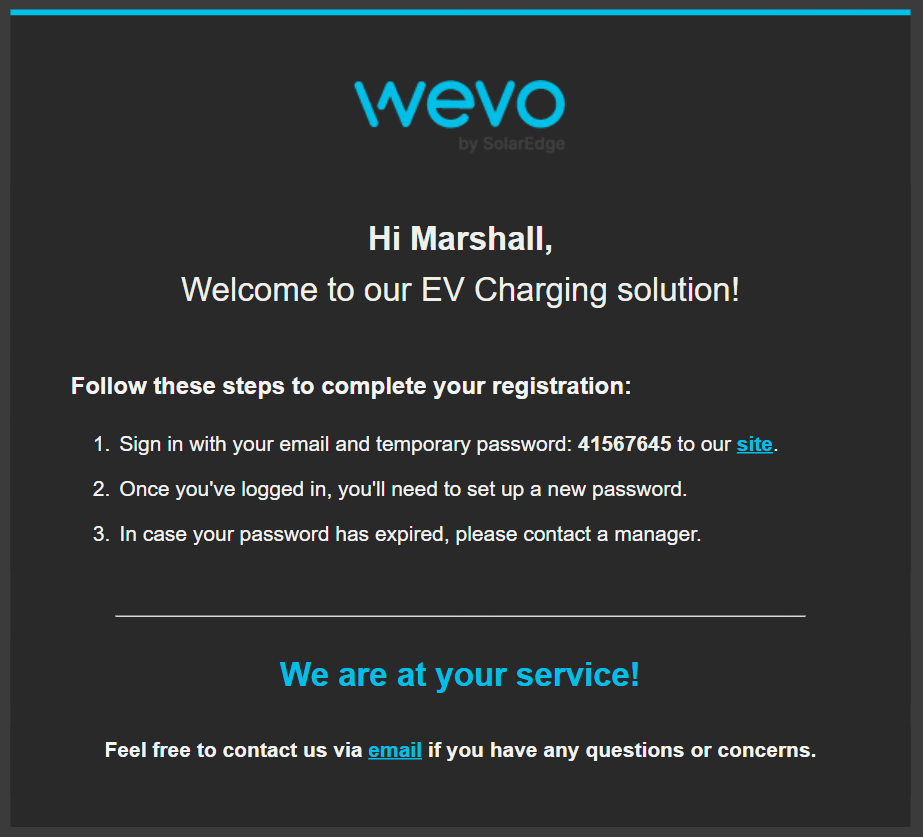
4. Again check your for a welcome message and a temporary password.
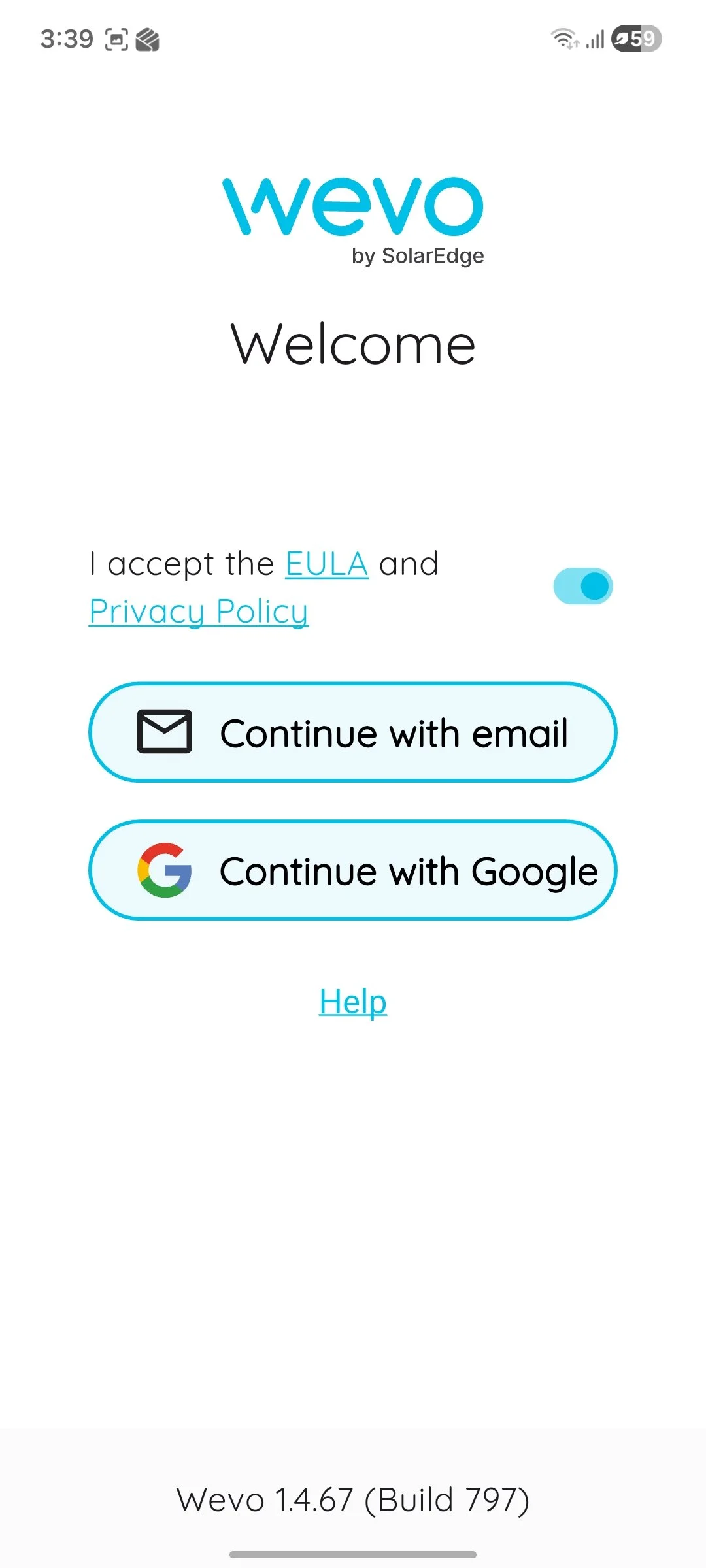
3. Open the Wevo App and select the “I accept the EULA and Privacy Policy” button, then tap “Continue with email”.
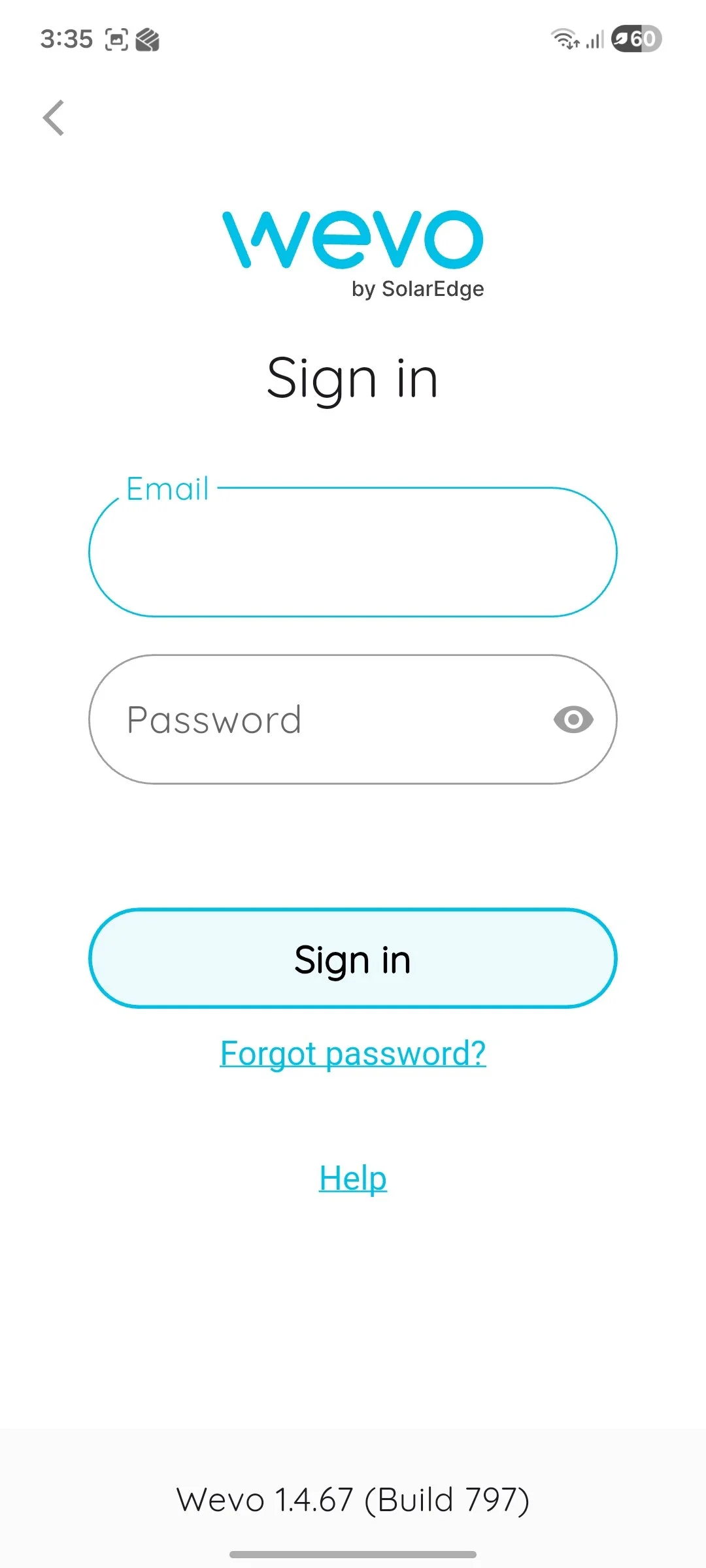
4. Sign in with your email and temporary password.
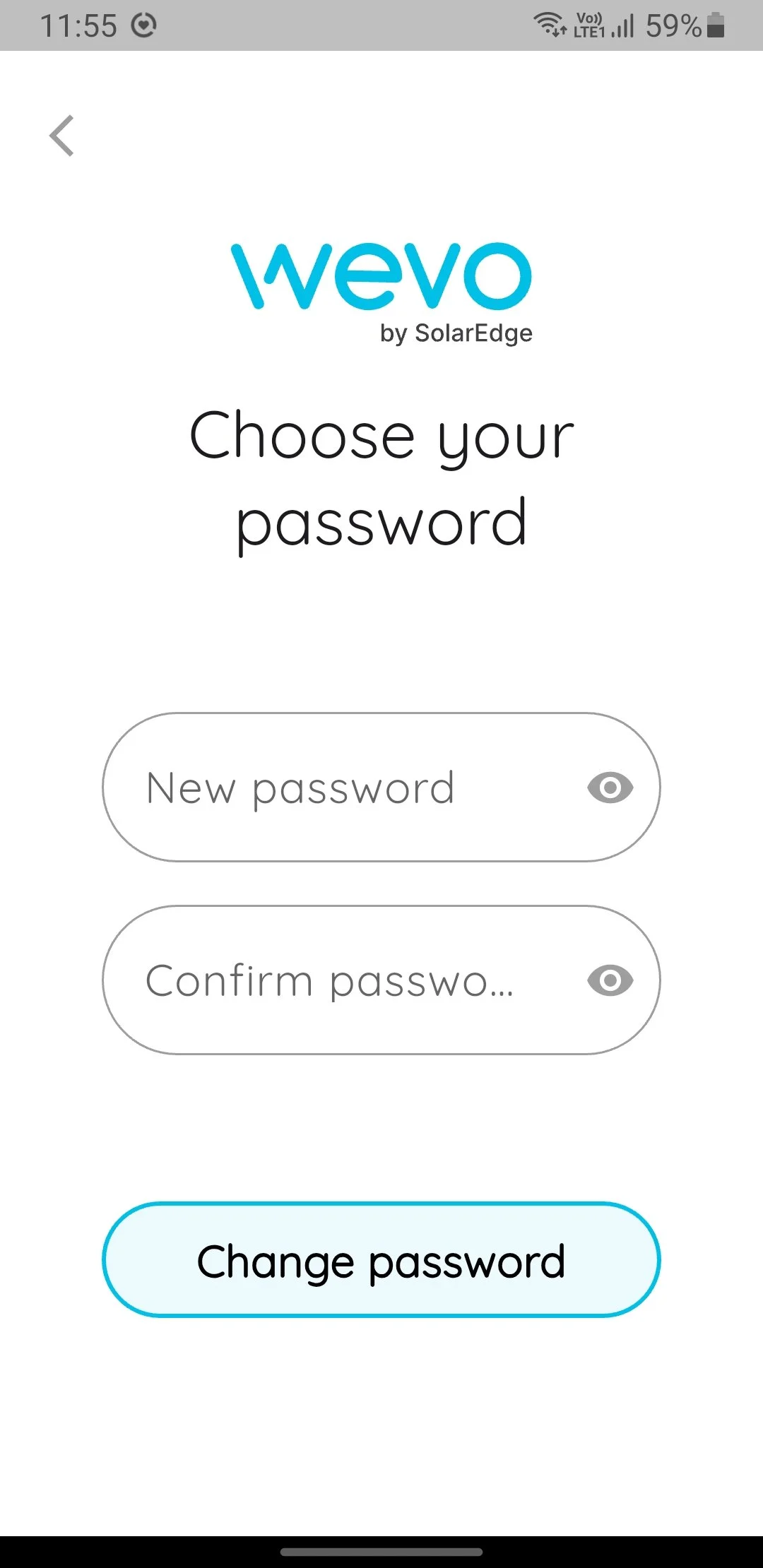
5. Enter a new password, confirm the password then tap “Change password”.
6. The home screen opens showing available chargers at your location available to your account.
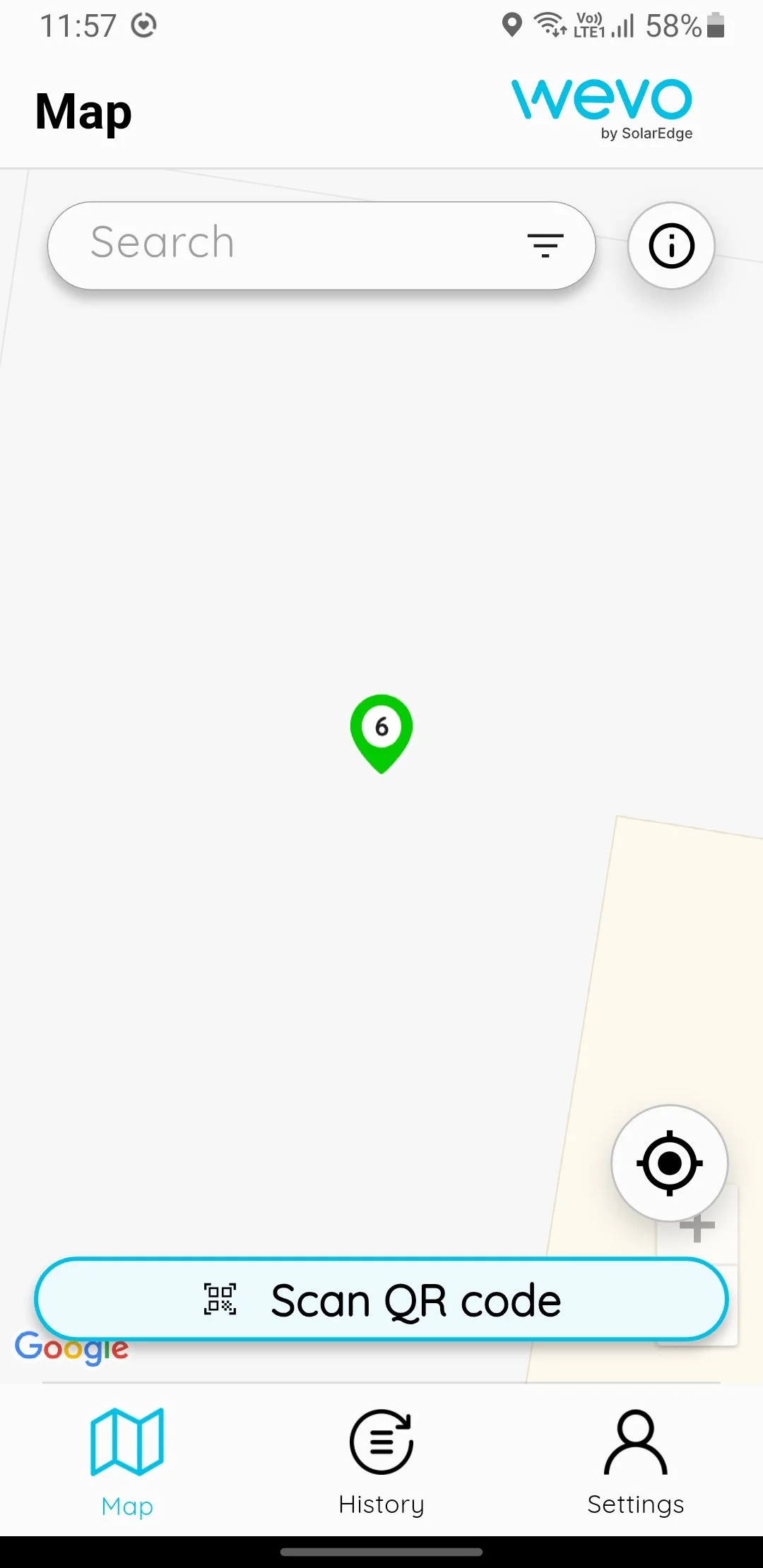
7. Next set up your payment details by tapping “Settings”.
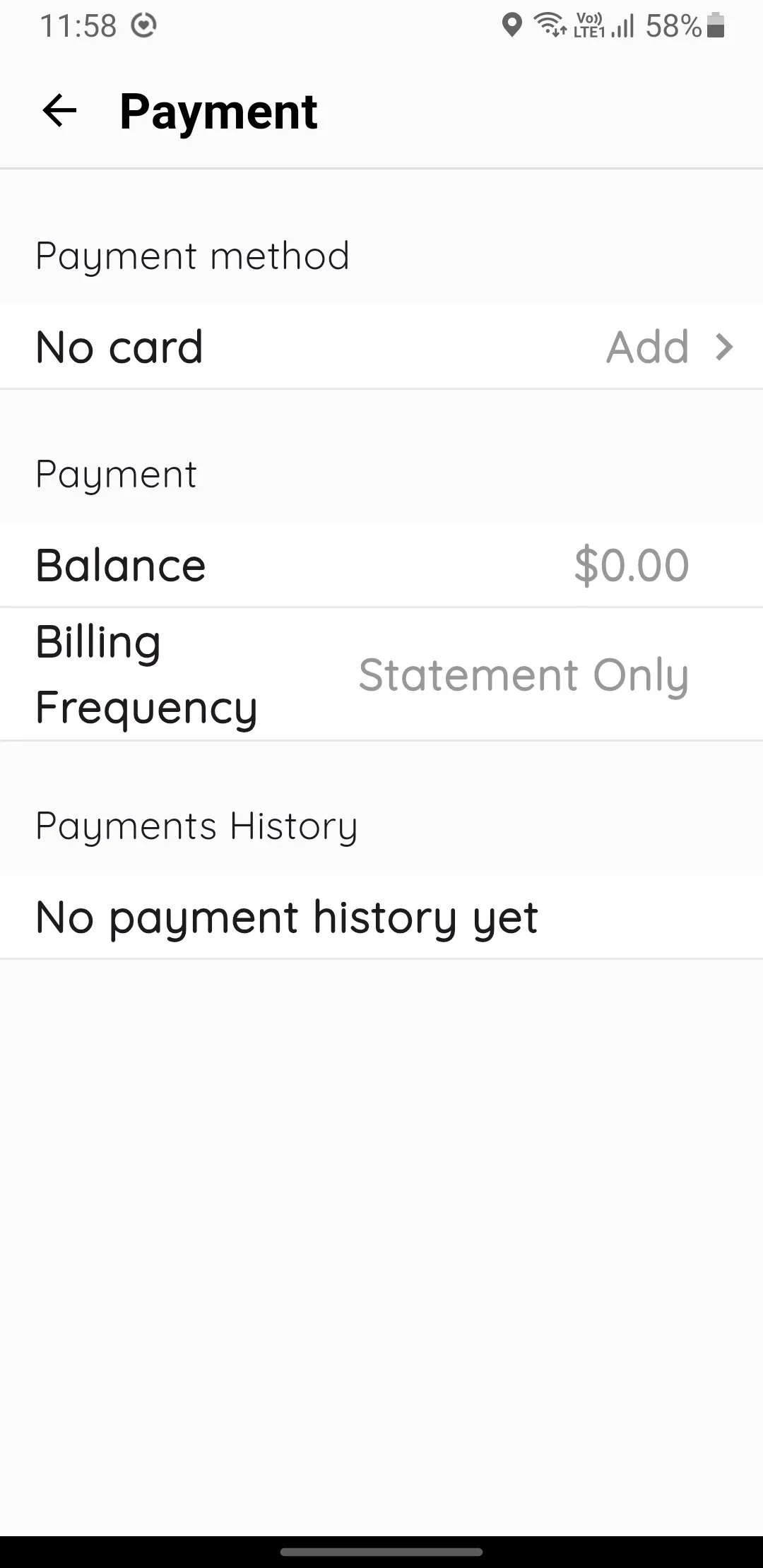
8. Under “Payment method” tap “Add”.
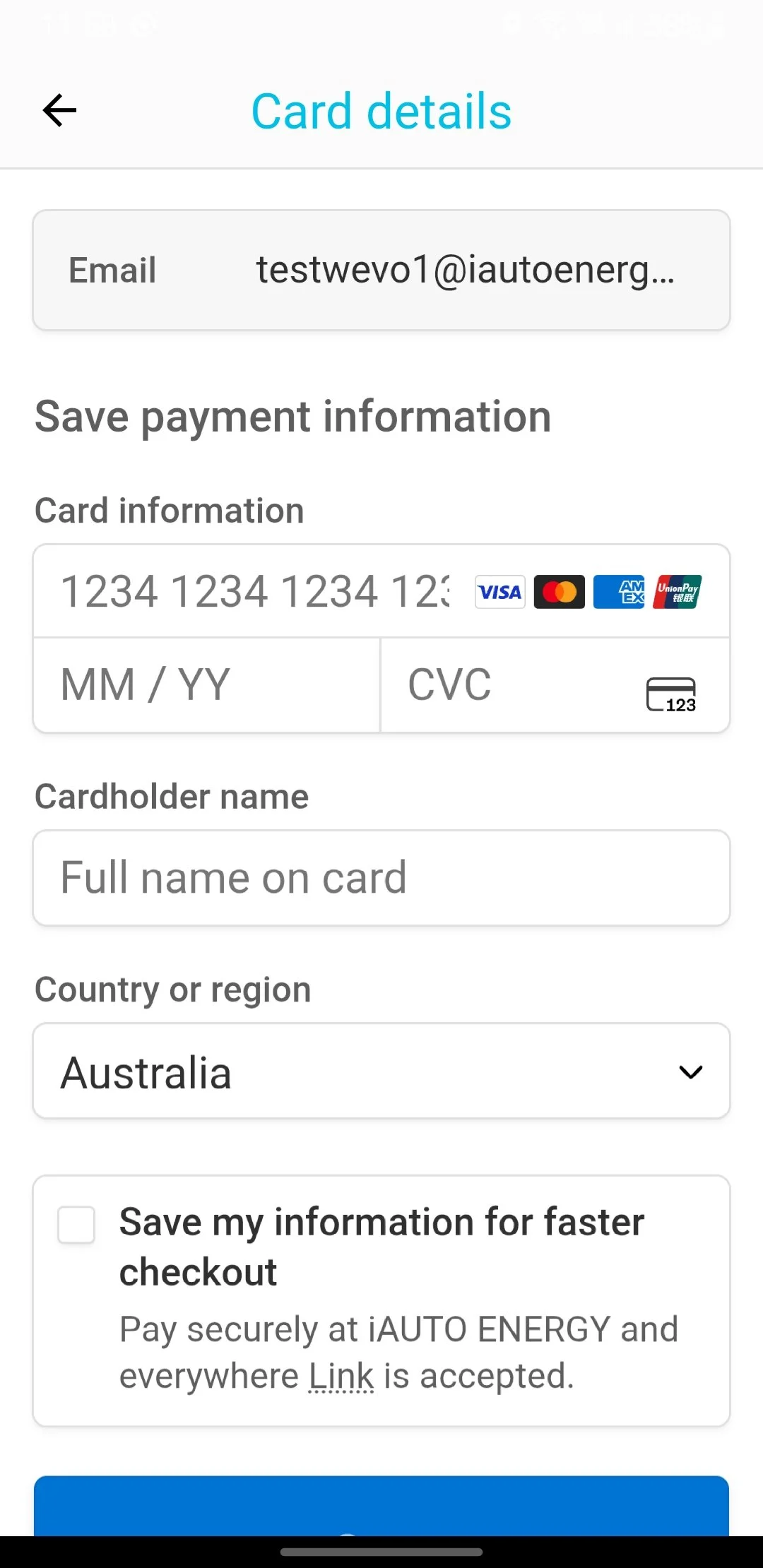
9. Enter your payment information, select “Save my information for faster checkout” to not have to enter your payment details in for each use, then tap “Save”.
You are now ready to charge!