
iAUTO ENERGY EV Charging App - Use and Billing
CONNECTING TO A PUBLIC CHARGER
Note: Some sites charge idle fees after your vehicle has finished charging. This fee will be listed on the pricing page with charging rates if applicable.
Scan to Charge - No App Required
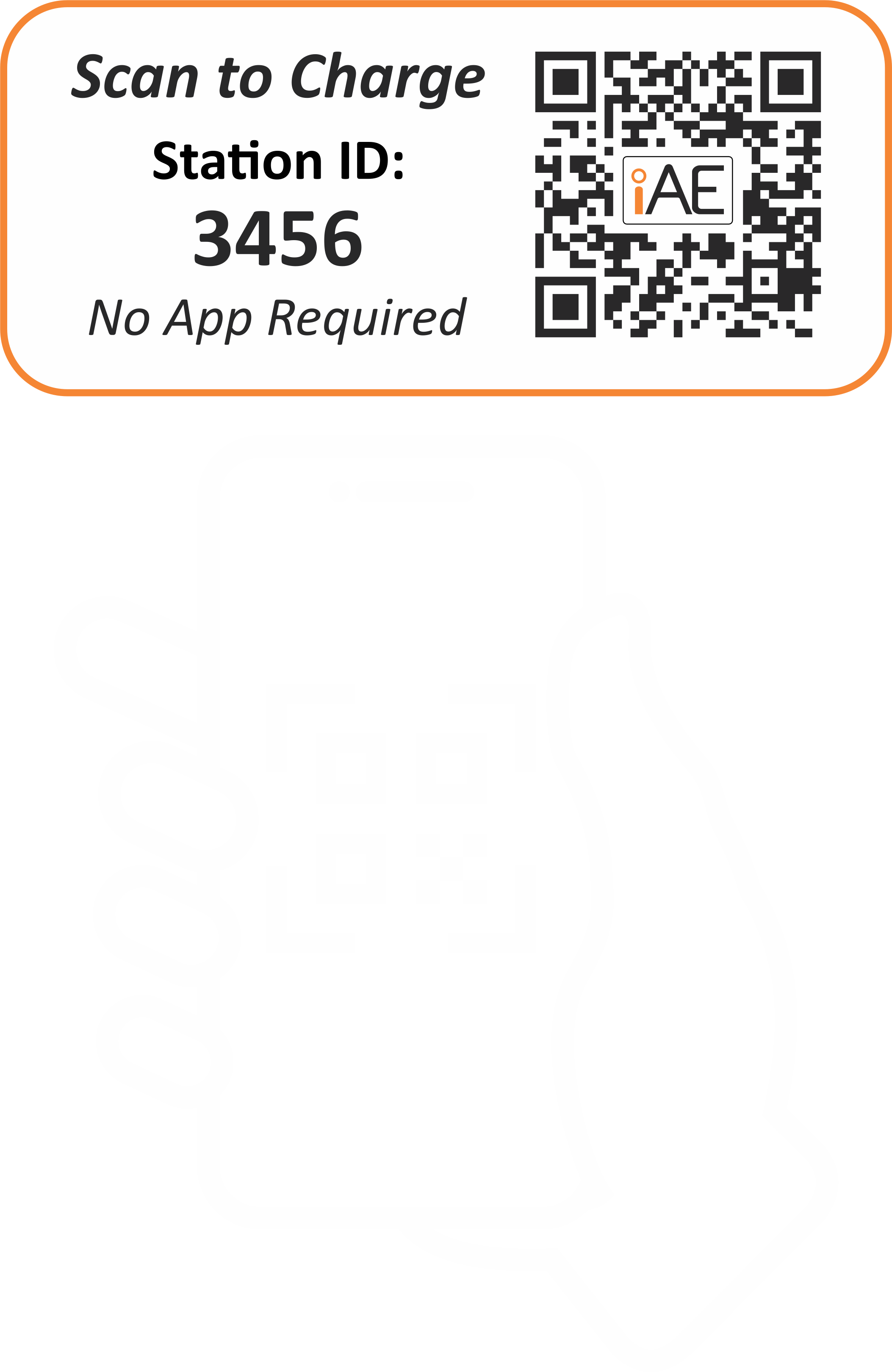
1. Use your phone to scan the QR code on the charging station. This will launch the welcome page on your mobile browser.
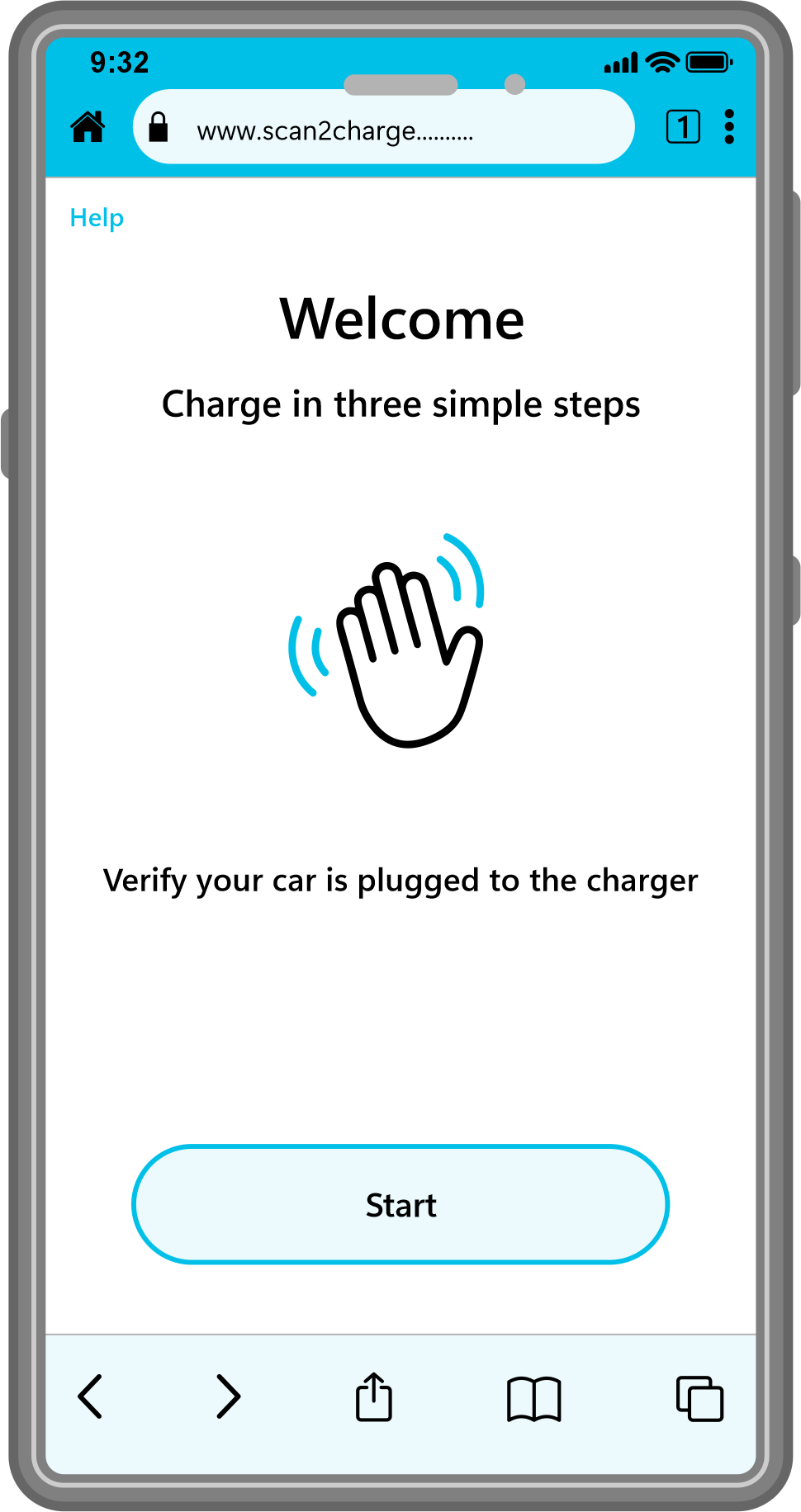
2. Verify your car is plugged in, then tap the 'Start' button.
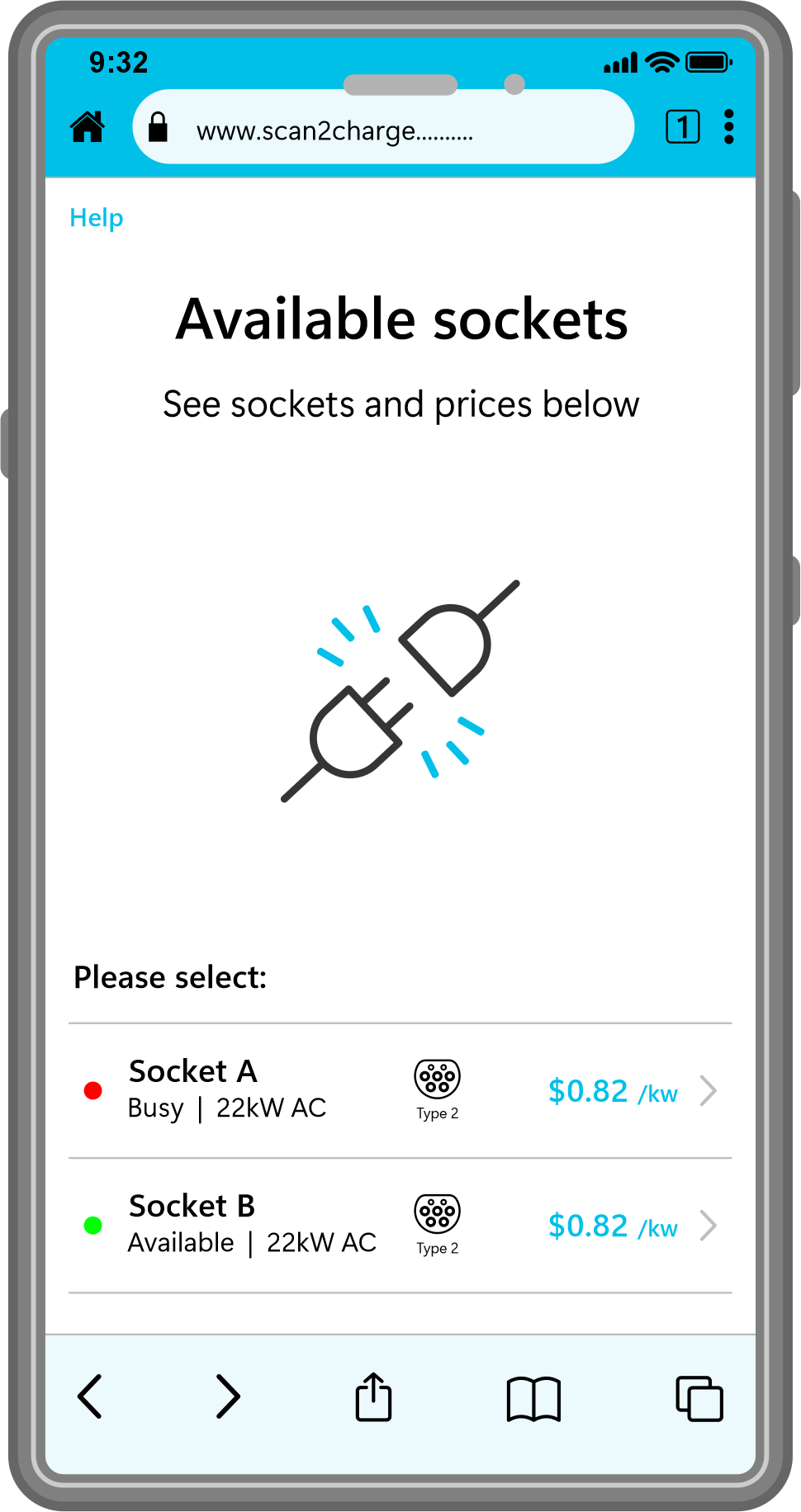
3. If the charger scanned has more than one socket, choose the one you want to use.
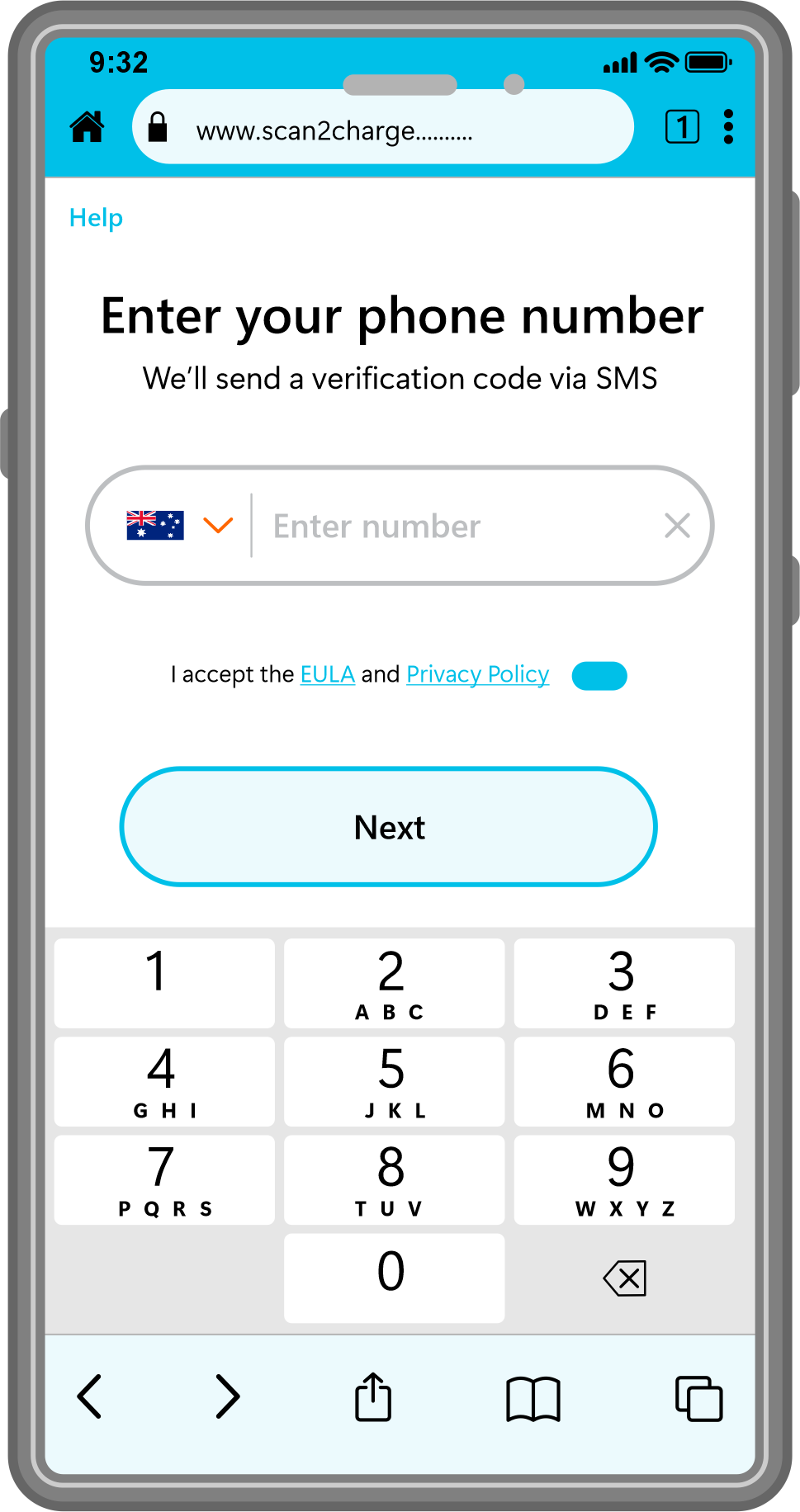
4. Provide your phone number for verification and so we can follow up with messaging about your charging process.
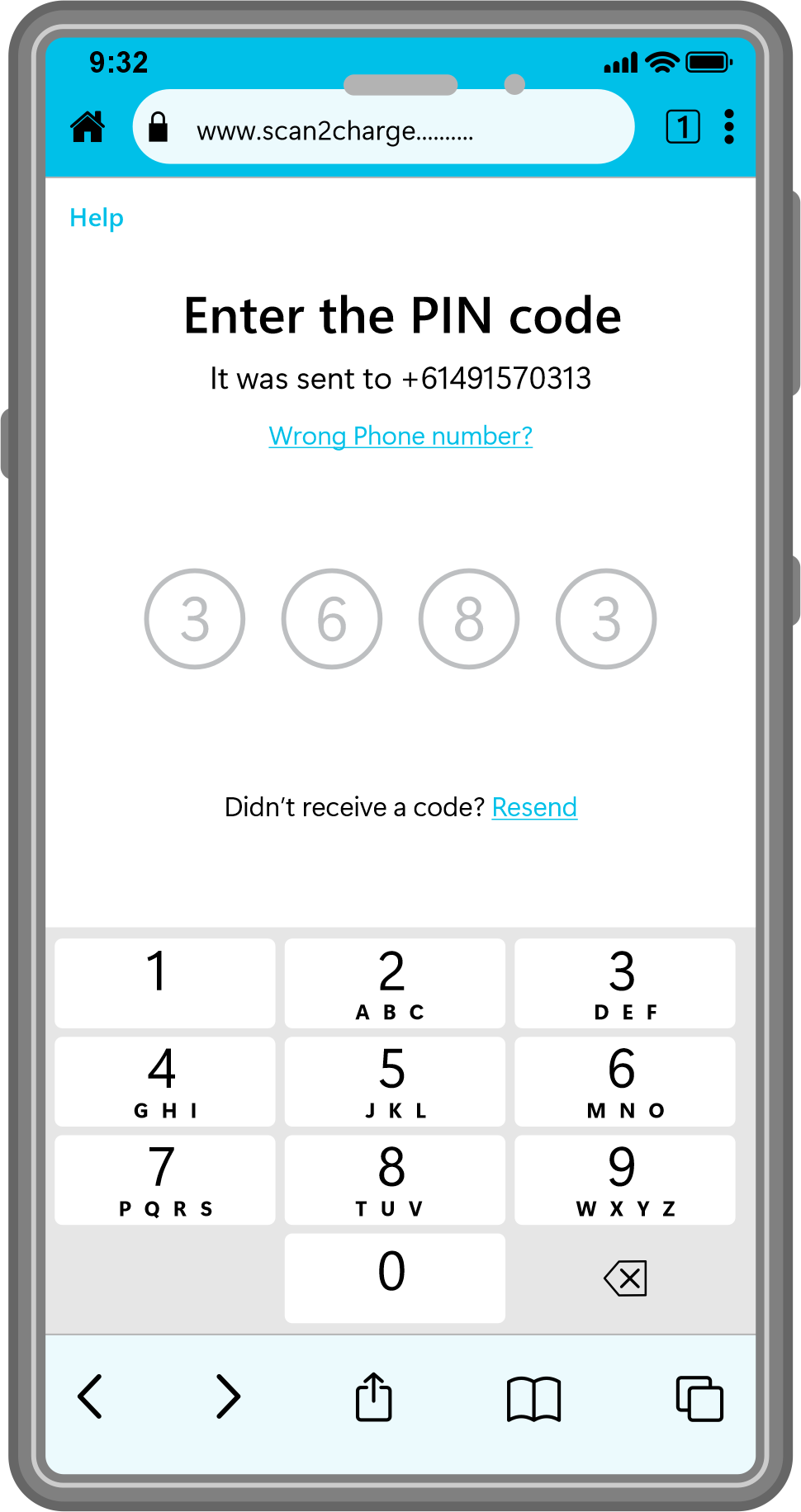
5. We will send you a four-digit PIN code via SMS. Enter the PIN code received to continue.
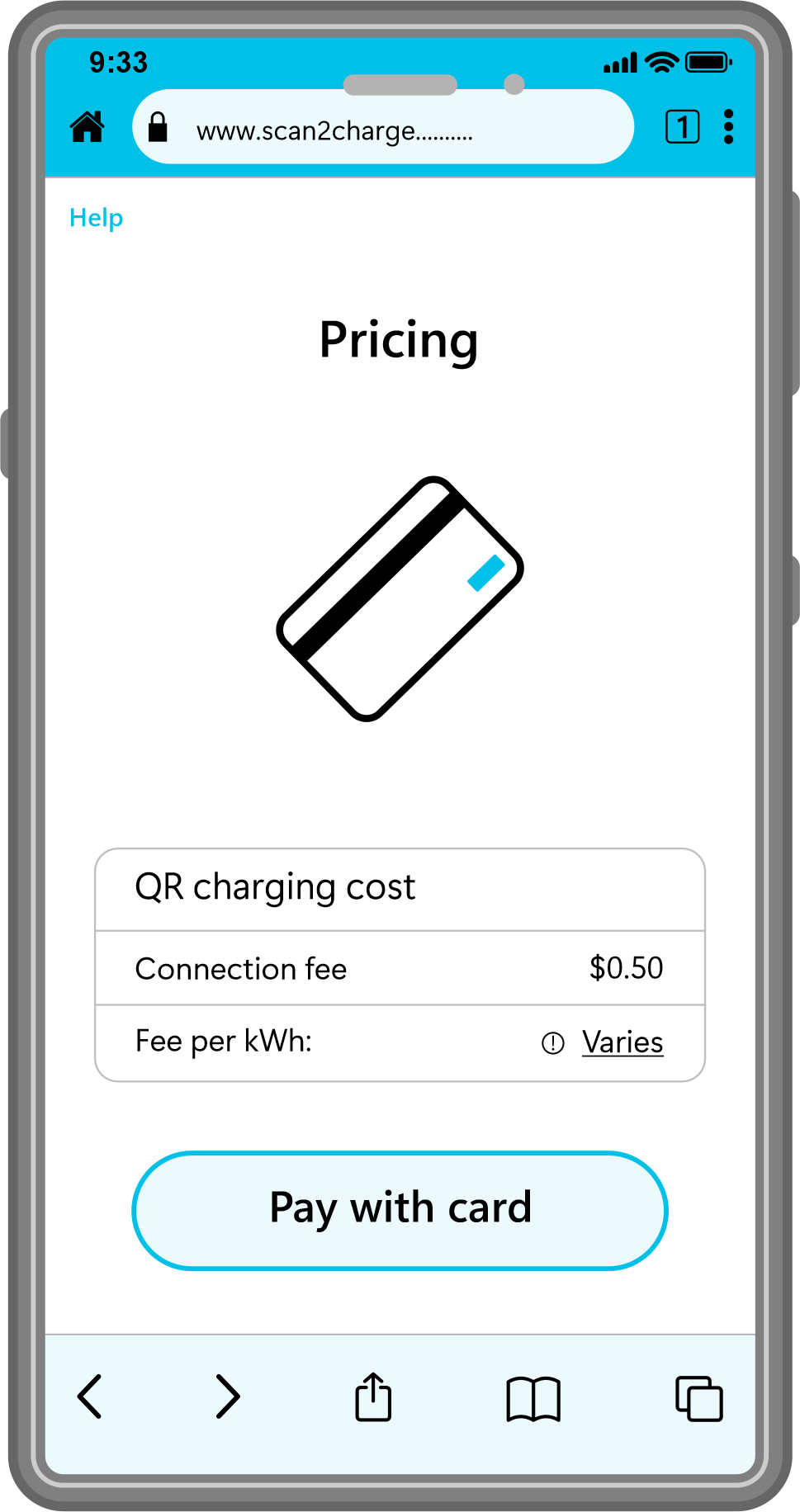
6. The pricing page shows the cost of the charging session. Check the charging cost and tap 'Pay with card' to proceed. The system remembers any card that was previously used and offers to reuse it.
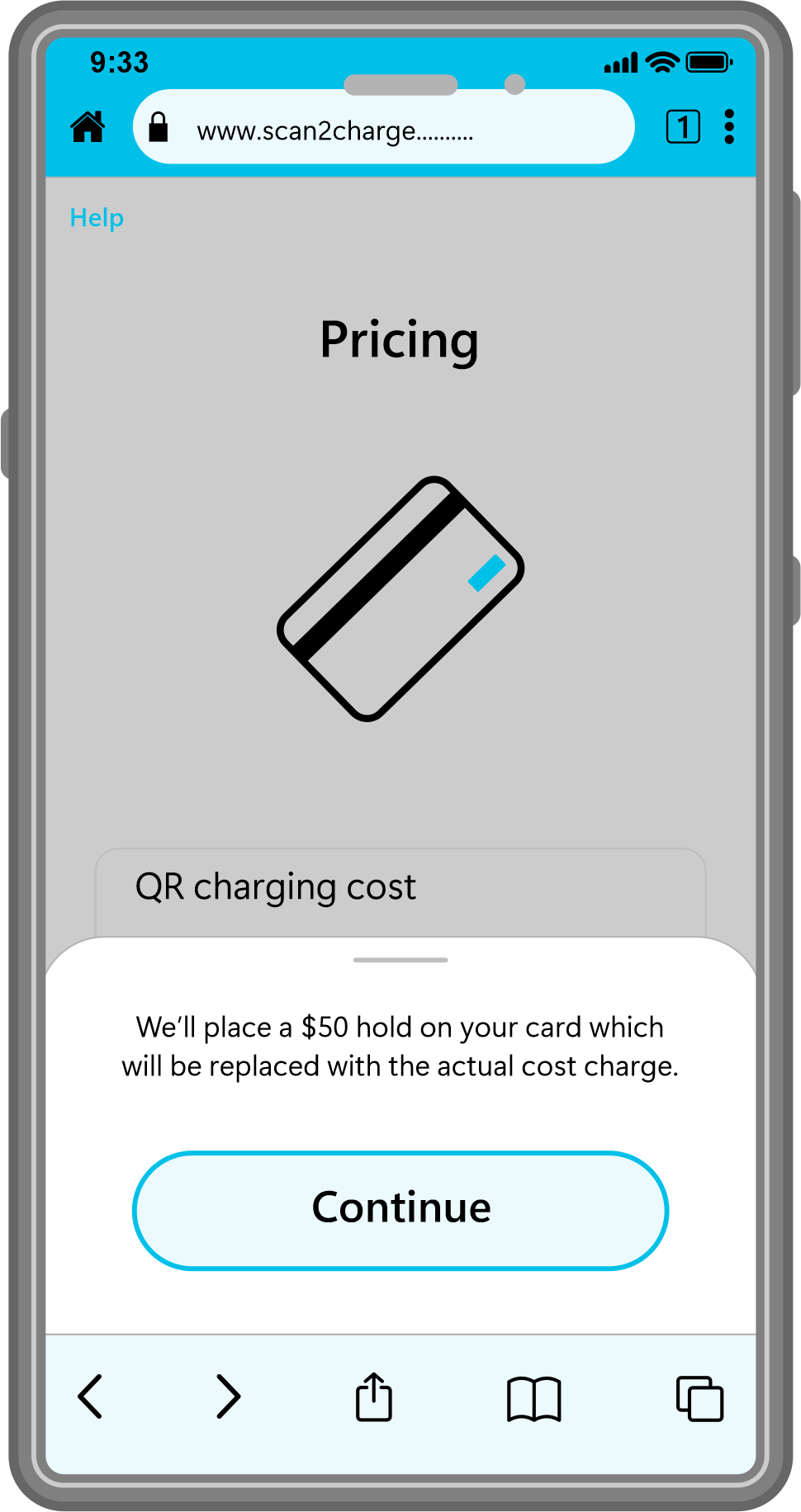
7. The temporary hold is a pre-authorization amount placed on your payment method when you start a Scan to Charge session.
It's important to understand:
This hold is not an actual charge
It's a temporary reservation of funds, ensuring a valid card
Once a valid payment method is confirmed, charging will start automatically.
Tap “Continue” to proceed.
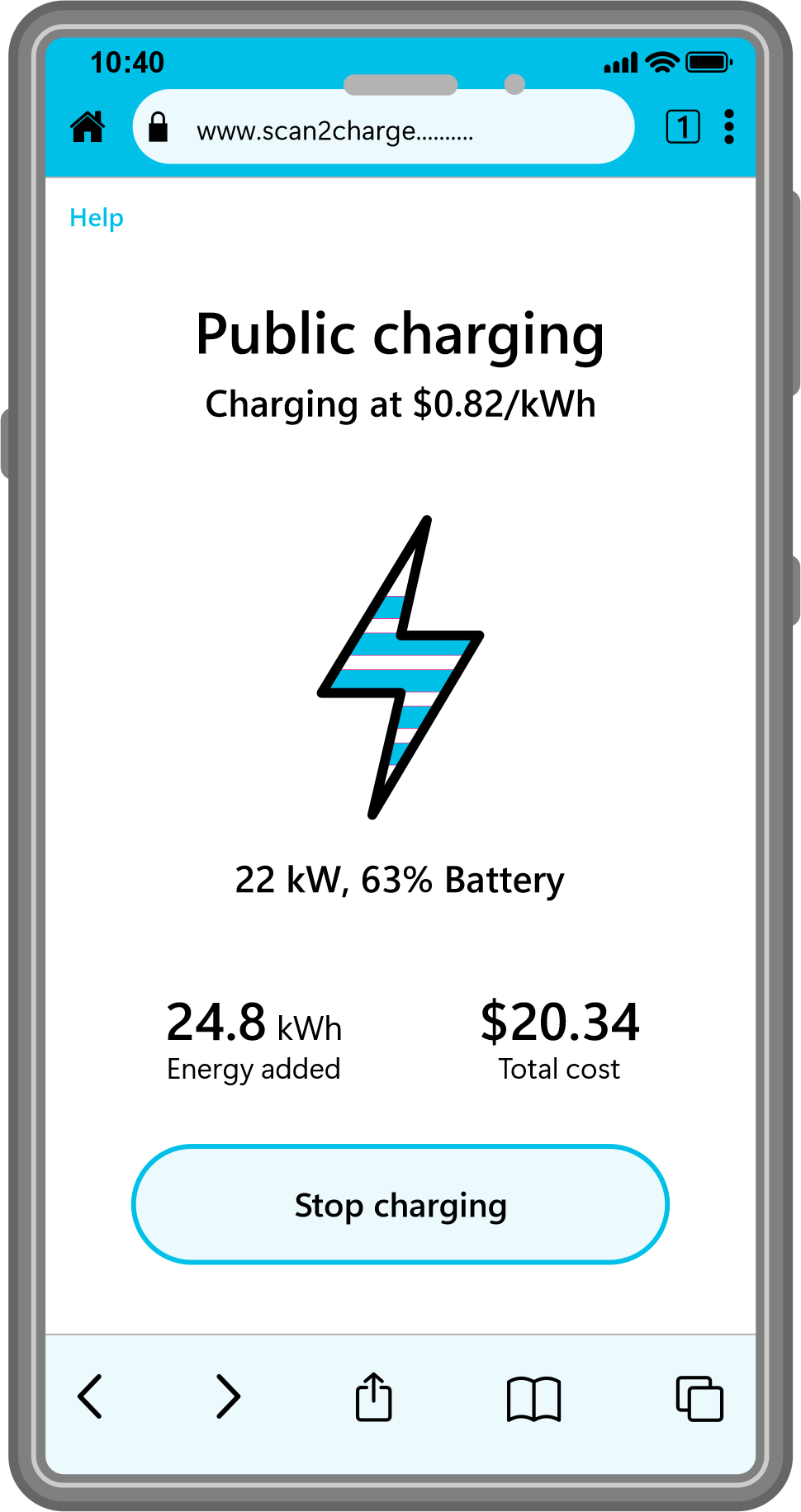
8. Once payment is confirmed, charging will start automatically.
9. Click 'stop charging' at any time to stop your charging session.
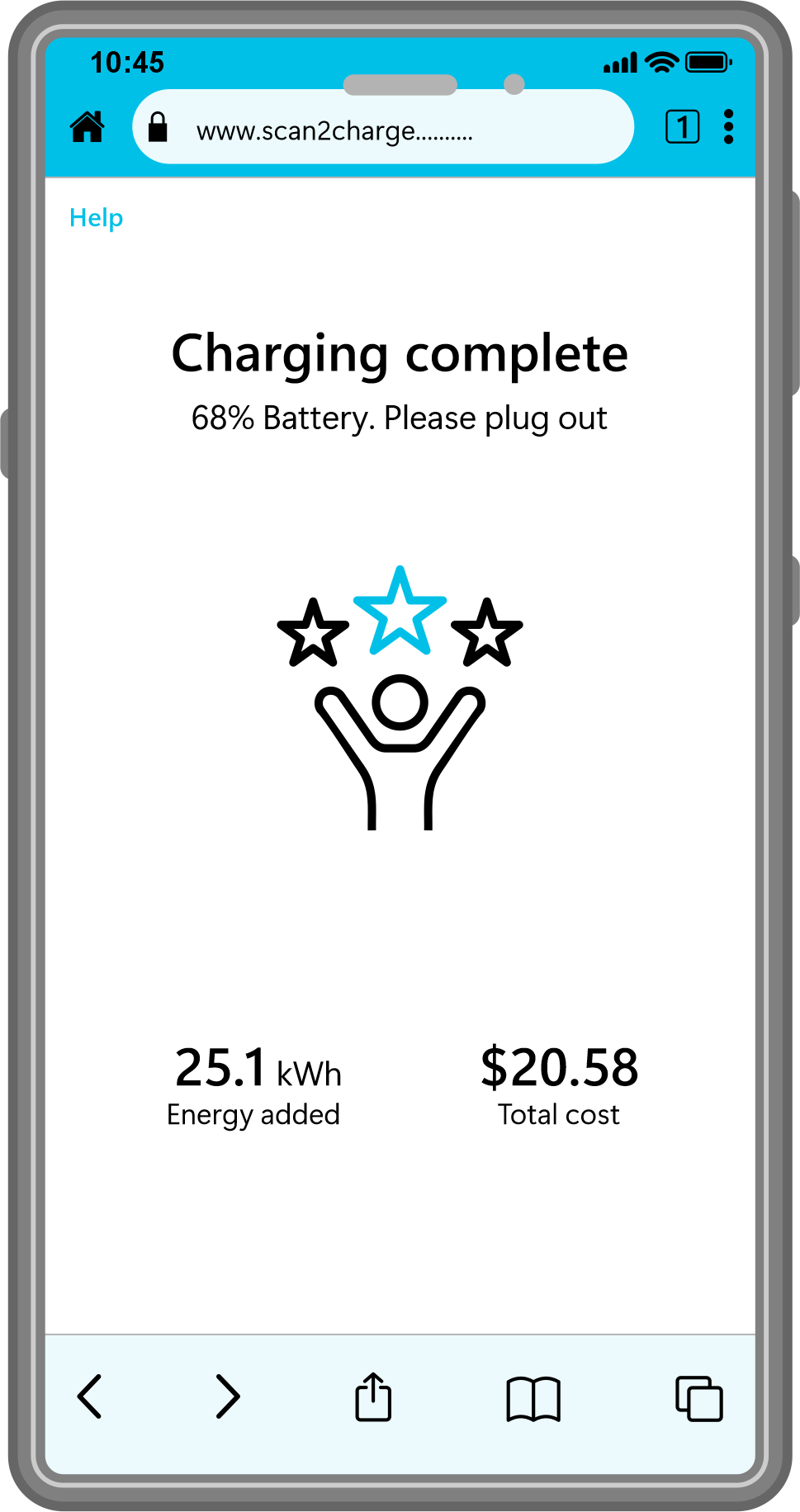
10. The completed screen shows when charging is finished. It is now safe to unplug your vehicle. You'll receive a link to the receipt via SMS message.